SW
4.0评论日期:Jul 18, 2020
It was a bit challenging to follow towards the end, but overall it was a good project.

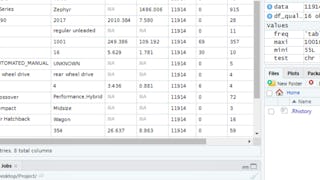
By the end of this project, you will create a data quality report file (exported to Excel in CSV format) from a dataset loaded in R, a free, open-source program that you can download. You will learn how to use the following descriptive statistical metrics in order to describe a dataset and how to calculate them in basic R with no additional libraries. - minimum value - maximum value - average value - standard deviation - total number of values - missing values - unique values - data types You will then learn how to record the statistical metrics for each column of a dataset using a custom function created by you in R. The output of the function will be a ready-to-use data quality report. Finally, you will learn how to export this report to an external file. A data quality report can be used to identify outliers, missing values, data types, anomalies, etc. that are present in your dataset. This is the first step to understand your dataset and let you plan what pre-processing steps are required to make your dataset ready for analysis. Note: This course works best for learners who are based in the North America region. We’re currently working on providing the same experience in other regions.
SW
It was a bit challenging to follow towards the end, but overall it was a good project.
显示:9/9
Enjoyed practicing
Good course
It was a bit challenging to follow towards the end, but overall it was a good project.
Concise and direct with cool tips on the way
A short overview of data descriptive statistics. It requires some basic background in R programming, especially in flow control. This project-course covers topics from simple computations of statistical measures until creating quality data reports.
I explore new things there and learn new thing.
It was easy enough to follow.
this courseis nice
Thank You